Create an Account
To create a new Cynco account, follow these steps:
1. Open the Website
-
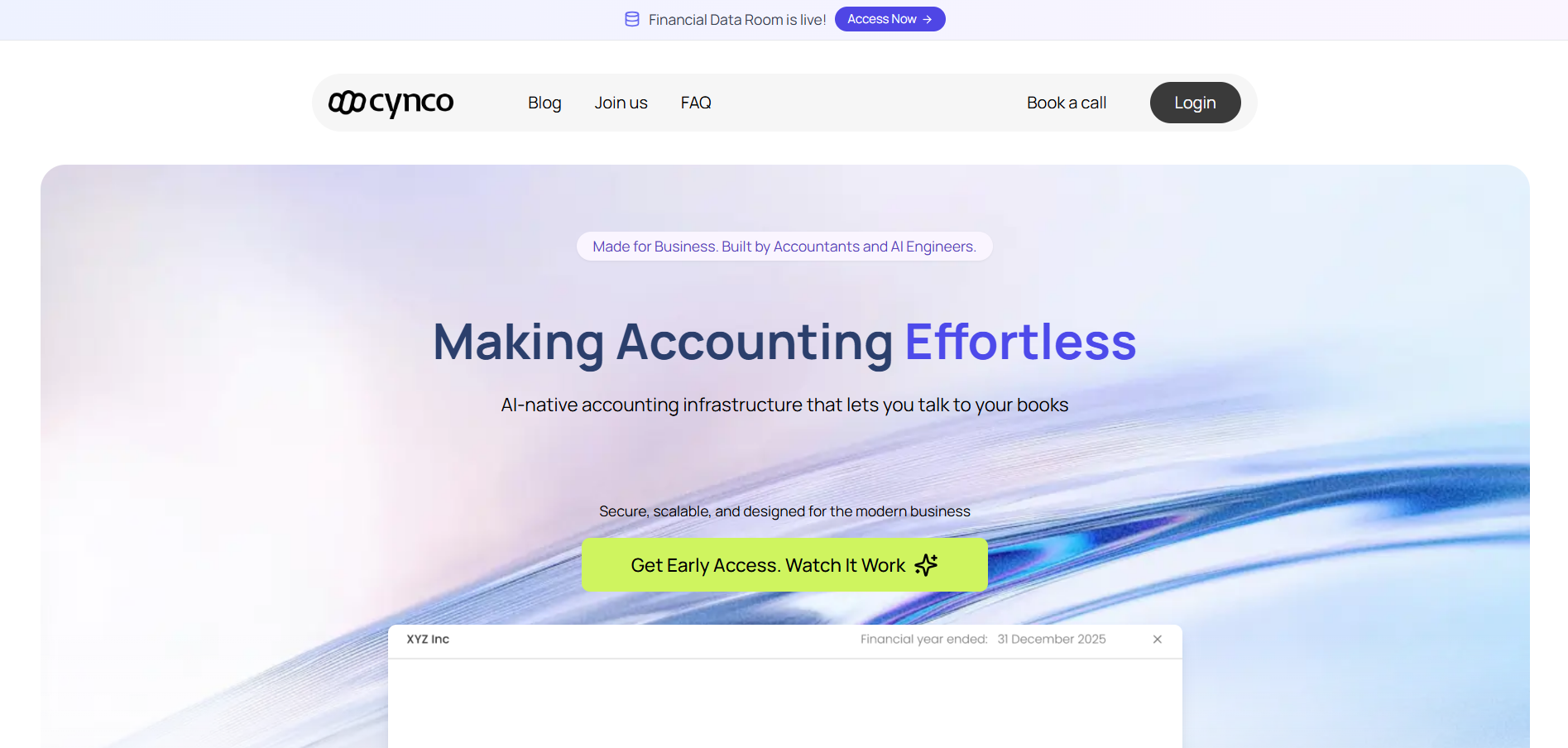
Open your browser and go to https://cynco.io.
-
On the top-right corner, click Login.
2. Click "Create an Account"
-
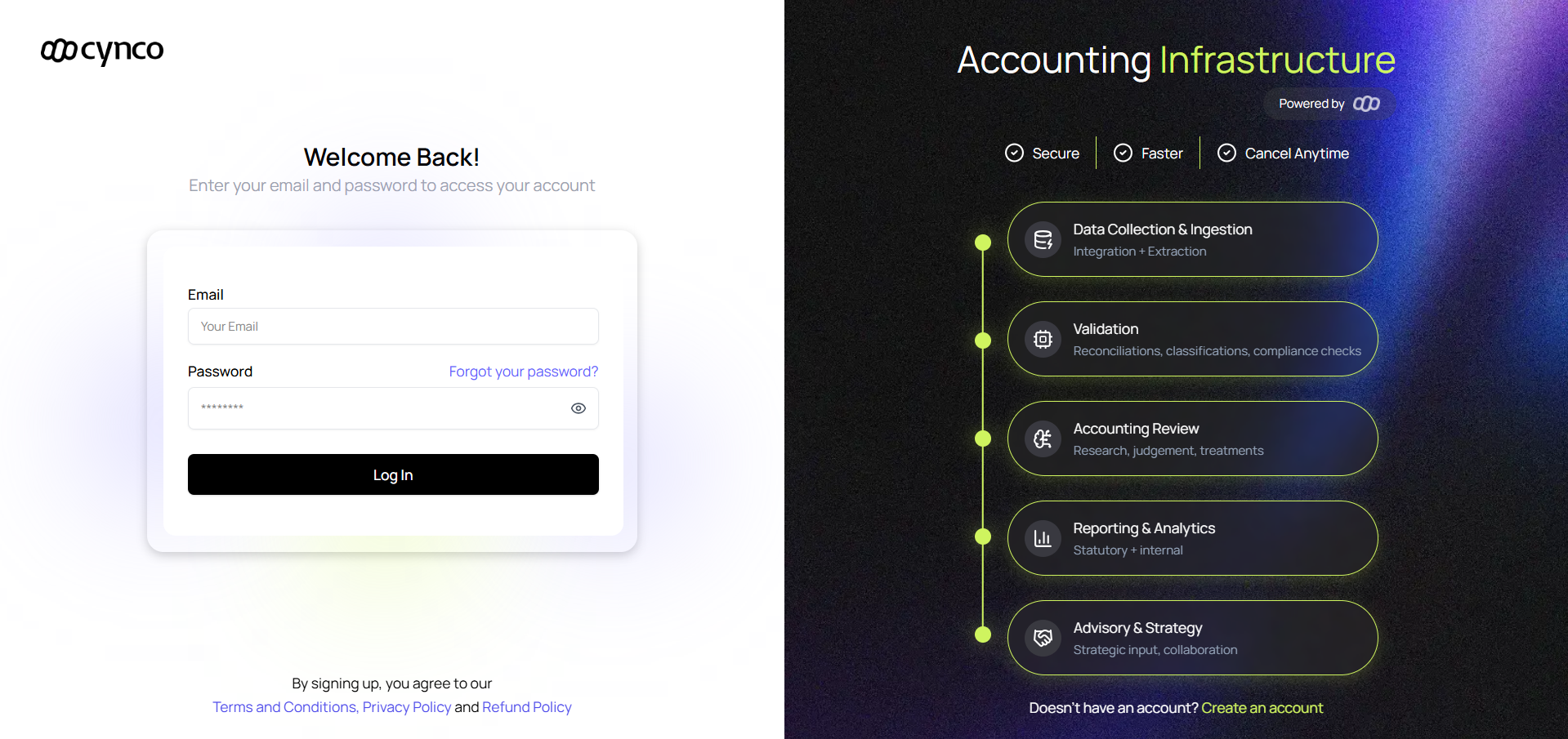
On the login page, look for the Create an Account link at the bottom-right.
-
Click it to open the registration form.
3. Enter Your Email Address
-
In the sign-up form, type your valid email address.
-
Click Verify Email.
→ A verification code will be sent to your email.
4. Check Your Email
-
Open your inbox and find the email from Cynco.
-
Copy the 6-digit verification code.
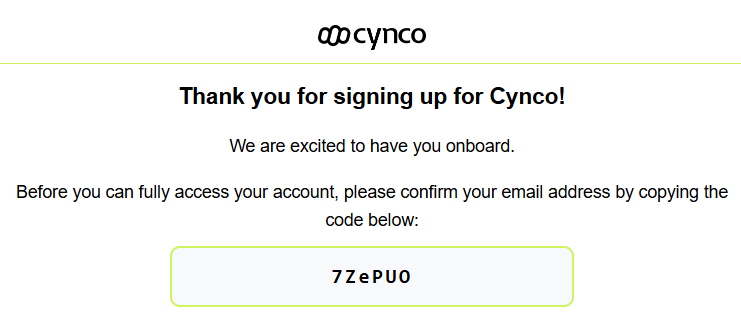
If you don’t see it within 2–3 minutes, check your Spam or Promotions folder.
5. Enter Verification Code
-
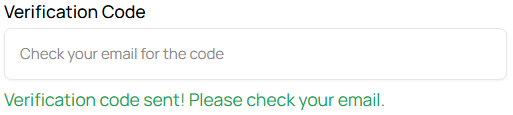
Paste the 6-digit code into the Verification Code field.
-
Click Confirm.
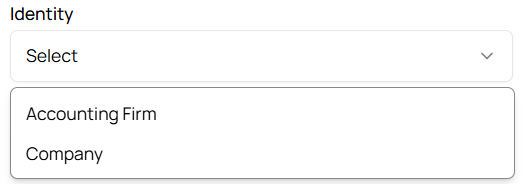
6. Select Your Identity
-
Choose your role (e.g., Accounting Firm, Company).
-
This helps Cynco personalize your experience.
7. Create a Password
-
Enter a strong password that includes:
- At least 8 characters
- One uppercase letter
- One lowercase letter
- One number
- One special character
-
Example:
Cynco@2025!
8. Complete Registration
- Review your details.
- Click Create Account.
✅ Done! Your Cynco account is now created.